

Bots
Start from templates, choose an Amazon Bedrock model, and define each bot’s role.
ECV Enterprise Assistance
An enterprise AI assistant that answers from company documents, connects to chat channels, and works through custom workflows.
Your knowledge deserves to go further than a document. Put it to work in conversations with your team and customers, wherever they already are.
Bring conversations, documents, workflows, and communication channels into one experience.
Create an assistant for customer questions and everyday team conversations. Bring organizational knowledge into the exchange, so people can ask about the work in front of them.
Tell me about your services
Let your knowledge answer
Turn service guides, product information, and team documents into a Knowledge Base your assistant can draw on. Put the information you already have to work.

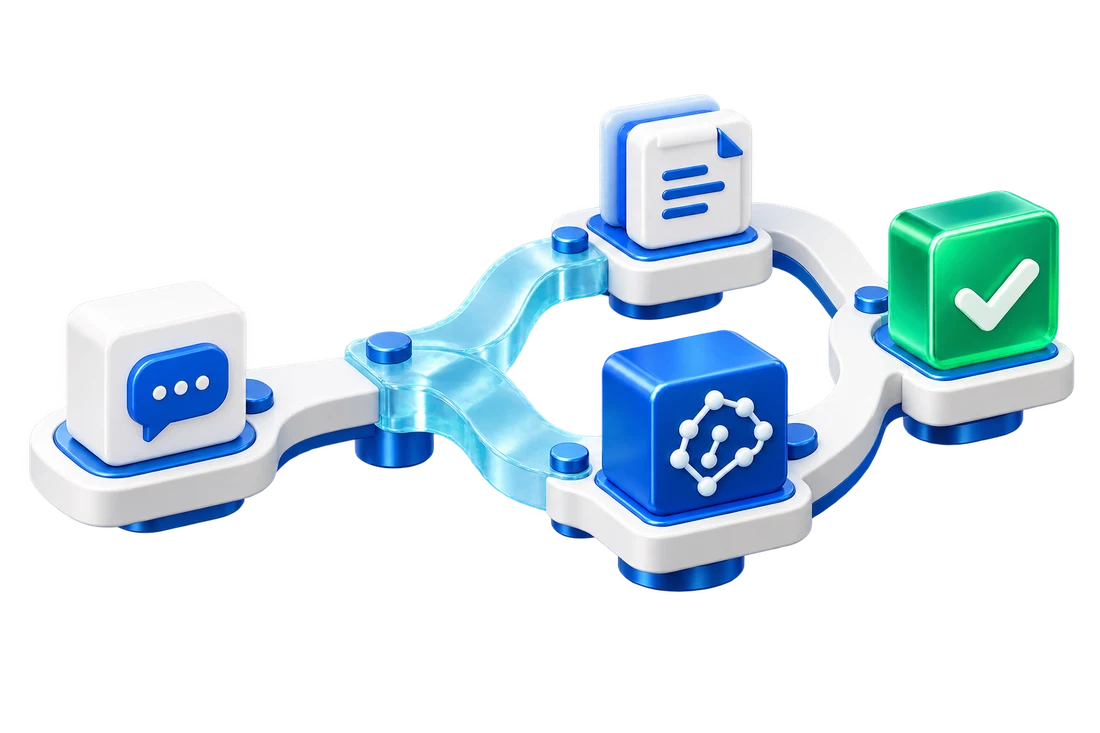
Use custom workflows to define how your assistant works, from receiving a question and finding knowledge to delivering an answer that fits the task.
Choose the channel that fits your customers and team. Put the assistant where people already work and communicate.
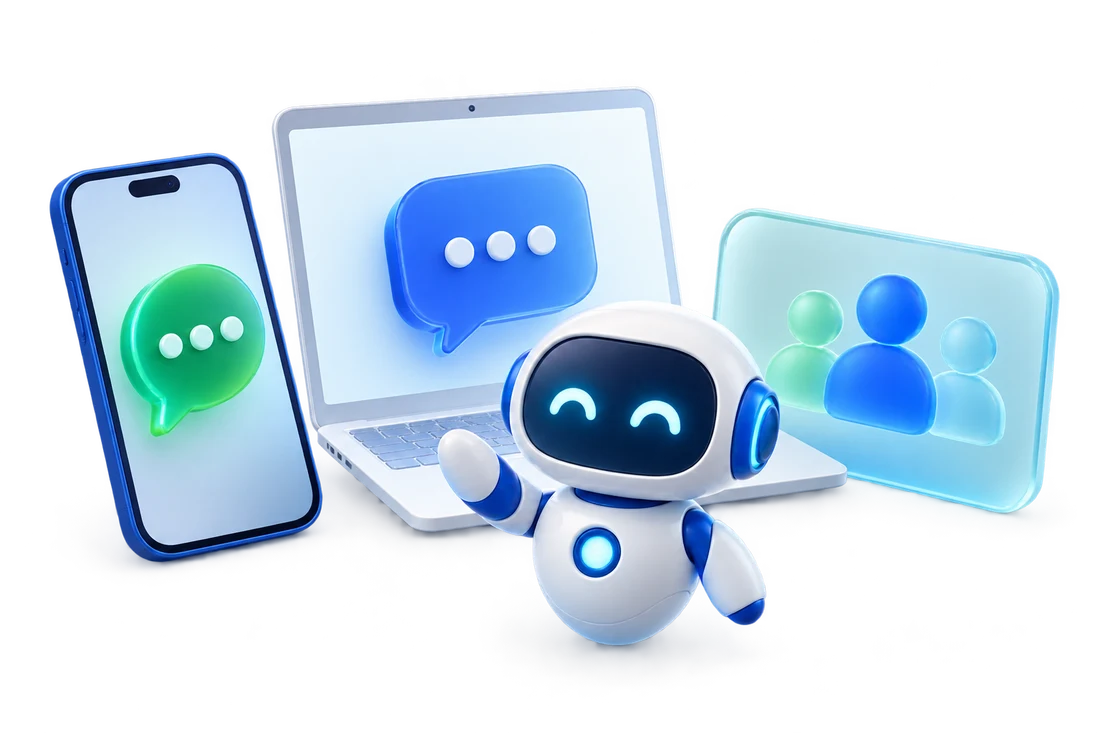
Closer to your team and customers
Follow linked modules to their detailed sections; the remaining modules are introduced here.
Start from templates, choose an Amazon Bedrock model, and define each bot’s role.
10 built-in tools for creating files, filling documents, web search, reading DynamoDB, and reporting.
Connect Context7, AWS Knowledge, Datadog, Asana, or your own servers.
Set content policies and deploy across multiple regions to guide AI responses.
Five built-in apps for your team, without having to build a bot first.
Translate text, documents, and images across languages so your team can work with information more easily.
Text · Documents · ImagesCondense long text or documents into a paragraph or bullet summary in any language.
Paragraphs · Bullet summariesPractice your pitch against an AI customer and get scored feedback to improve the next conversation.
Practice · Scored feedbackCreate slide decks with AI, edit them in your browser, and export to PowerPoint.
Browser editing · Export .pptxSend one question to 2–3 models at once. Compare answers, token usage, and response time side by side.
Answers · Tokens · Response timeTrack tokens, conversations, and costs by bot, model, and platform. Message Analytics uses AI to surface sentiment, recurring issues, and frequently asked questions.
These sample conversations illustrate how an assistant can use team knowledge and connected processes. They are not real customer data.
How much flour do we need today?
We need 36 kg. There are 42 kg in stock, so we have enough.
Check materials, calculate production needs, review quality checks, and plan work through chat with connected team data.
Does this come in other colors?
Yes, black, white, and navy. I’ll share the pictures.
Answer product and order questions, then hand work to your team through a workflow when a person needs to take over.
How many annual leave days do I get?
The sample policy allows 10 days a year — Leave policy.pdf
Find benefits, leave policies, and IT guidance in your company’s Knowledge Base to reduce repeated questions.
Configure through the web interface, without writing code.
Choose a template and model, then define your assistant’s role.
Template · Amazon BedrockBuild your Knowledge Base, connect Tools or MCP, and design the process.
Knowledge · Tools · WorkflowConnect Web, LINE, Messenger, or Email, then follow results in Analytics.
Connect · Chat · Measure| Intended audience | Customer service, sales, HR, IT, and businesses serving customers on LINE |
|---|---|
| Channels | LINE, Messenger, Web Widget, Email, and Microsoft Teams |
| Models | Choose an Amazon Bedrock model per bot |
| Security and data | Data retention, data export, audit logs, and credential management |
ECV Enterprise Assistance
Explore ECV Enterprise Assistance and discover where AI can help your team.